Game info
Educational, Minigame collection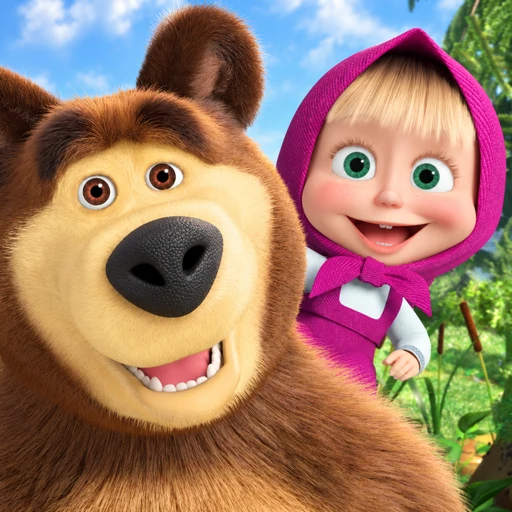
Explore Masha and the Bear Educational matching, colouring, picture puzzles, instruments and number activities, with controls and official app information.
Masha and the Bear: Explore Short Activities with Familiar Characters
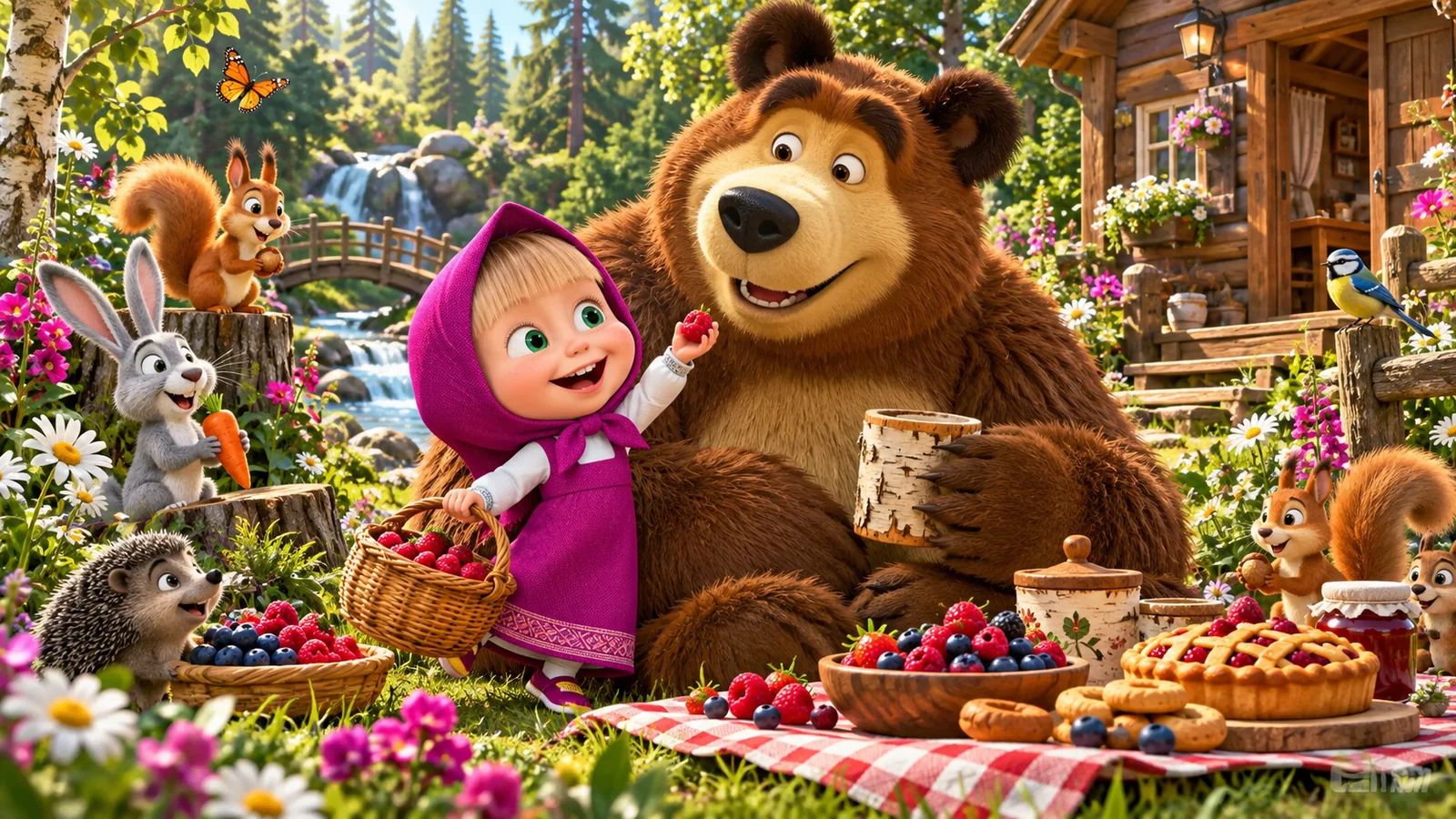
Masha and the Bear Educational brings familiar cartoon characters into short activities involving pictures, matching, puzzles and simple creative choices. Instead of one long campaign, the appeal is finishing a small task and choosing another. The educational collection offers a mixture of visual, musical and number-based activities, giving each visit a different possible focus.
The official Masha and the Bear educational-games page describes the original collection and its activity categories. Begin with a task that has a visible result, such as colouring a picture, completing a matching pair or trying a short tune. There is no need to rush through every activity before enjoying one of them; a recognisable finish makes a short session worthwhile.
Gameplay Overview
Most activities begin with a clear visual task. You might compare two shapes, choose a colour, move a puzzle piece or select an instrument. Look for what changes after one deliberate action. A piece staying in place, a picture gaining colour or a sound playing tells you more about the task than quickly tapping several unrelated objects.

Make the first round about recognising that response. Once you know which action changes the screen, repeat it with another item. For example, match a simple outline before attempting one with several similar details. This creates a natural progression from understanding the control to thinking about the picture, pattern or sound involved in the activity.
Activity Types in the Educational Collection
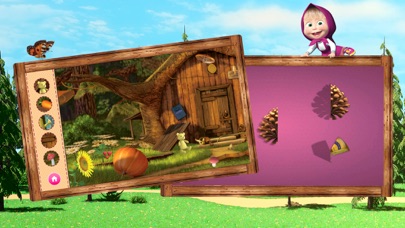
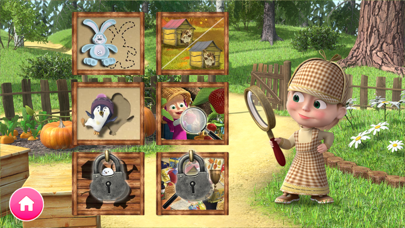
The official collection includes painting and colouring, word searches, object-and-silhouette matching, picture puzzles, instruments and simple number activities. These categories ask for different kinds of attention. A colouring page invites choice, a matching task asks for comparison, and a puzzle asks how a piece relates to the surrounding picture. The official Google Play listing identifies the educational app and its developer.
Choose by the activity rather than assuming that every Masha game works the same way. A player who wants a calm creative task may prefer colouring to a search puzzle. Someone who wants a quick sound experiment may enjoy an instrument activity. Keep the task small enough that you can explain the next action in one sentence, such as “find the shape with these ears” or “finish the red part of the picture.”
How to Play and Learn the Controls
On desktop, use the mouse to select a visible button or move an active object. On a supported touchscreen, use a tap for a selection and a steady drag for a movable piece. Start with an obvious item in a clear area. If two objects overlap, separate them or choose the one with the most visible outline before attempting a precise movement.
For a drag-and-drop task, hold the piece long enough to move it deliberately and release it near the intended target. If it returns to its starting place, compare the target again instead of repeatedly dropping it at the same point. The shape may be wrong, the piece may need a different position, or the task may use a tap rather than a drag. Testing one action carefully helps distinguish those possibilities.
Key Features of the Native Educational App
Masha, the Bear and other familiar characters give the original app a recognisable setting across its short activities. The official App Store description lists the educational collection for supported Apple devices. Use that listing when checking the app's compatibility, purchase information and available activities.
The practical advantage of an activity collection is choice. You can finish a picture puzzle, change to a colouring page and return to matching later. Use that flexibility to change pace when attention starts to drift. Familiar artwork can make the screen inviting, but the task still needs a clear explanation: what can be moved, what belongs together and what shows that the activity has finished.
Colouring: Begin with a Small Plan
Choose one large area of the picture and a colour for it before filling smaller details. This gives you a clear way to learn whether the activity uses a fill tool, a brush or another visible control. Try the tool inside an obvious shape first, then continue once you can connect the selected colour with the result on screen.
Make a small colour plan if you want the finished picture to feel consistent. You might choose a bright colour for the main character and quieter colours for the surroundings. There is no need for every area to use a different colour. Repeating a colour can connect parts of the picture, while one strong contrast can make the subject easier to recognise.
Pro Tips for Memory and Matching
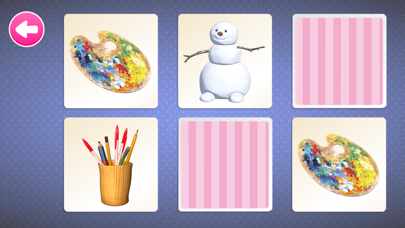
In an object-matching activity, compare the outline before the smallest decorative detail. A silhouette with long ears and a narrow body can be distinguished from a rounder one even when both share a dark colour. Describe the feature you are using for the match; that makes the choice more deliberate than selecting a place simply because it is nearby.
For a memory task with hidden items, inspect a small group in a consistent order. If a pair does not match, remember one visible feature and where it appeared. On the next attempt, use that information instead of starting a completely random search. A short, repeated route around the board can be easier to follow than jumping between every corner.
Break a Puzzle into Visible Comparisons
Look for a puzzle piece with a distinctive feature: a face, a large colour change or a clear edge. Compare that feature with the incomplete picture before moving the piece. A part of Masha's clothing may belong beside a matching colour, while a background shape may fit near the outside of the image. The picture gives you clues beyond the piece's position in the tray.
If several pieces look similar, compare one characteristic at a time. First check the broad colour, then the outline, then a smaller detail. Keep the piece in a clear area while examining it so another object does not hide the feature you need. Finishing a recognisable part of the picture can make the remaining choices easier to understand.
Music and Number Activities
For an instrument activity, start by playing two different keys or pads and listening to the change. Then make a short repeated pattern, such as one sound followed by another and a pause. A simple rhythm that you can repeat gives the activity a clearer purpose than pressing every instrument at once. Leave enough space between sounds to hear their separate responses.
For a number task, count the visible objects before choosing an answer. Point to each object once so it is not accidentally counted twice. If the task involves adding or removing objects, act out that change with the items on screen. The useful question is how the collection changed, rather than which answer button happened to work on a previous attempt.
Make Instructions Part of the Activity
Explain the next action with a feature the player can see. “Find another object with this shape” is more useful than “do it properly,” because it gives a specific comparison. In a colouring activity, you can ask which area should stand out. In a puzzle, you can ask where a matching colour continues. Keep the instruction close to the current screen.
Let the player make the selection after the explanation. Moving the pointer for them can finish the task without showing whether they recognised the clue. If a demonstration is needed, show one example and leave the next similar choice for them. This turns help into part of the activity instead of replacing the activity with someone else's inputs.
Use a Small Rotation of Activities
Rotate between different tasks: a picture puzzle, a short instrument pattern and a colouring choice make a varied session without opening every menu. Finish one recognisable task in each, then let the player choose a favourite to repeat.
Return to a familiar activity when a more detailed puzzle becomes frustrating. A small selection makes the collection easier to navigate and keeps each task's purpose clear.
Advanced Play Ideas without Speed Pressure
Add a question to a familiar task rather than simply asking for faster completion. On a colouring page, try making the main character easier to notice through contrast. In matching, ask which feature proves that two shapes belong together. In a puzzle, choose a starting piece for a reason and explain that reason before moving it.
These variations give the same screen a new purpose. You can also compare two solutions when the activity permits creative choice: a picture using repeated colours and one using a stronger contrast, for example. The interesting part is noticing what changed. You do not need a timer or a promised reward to make the second attempt different from the first.
Help with a Difficult Task
First find out whether the difficulty is the idea or the control. If the player knows which piece belongs in a space but cannot place it, help with the drag distance or clear the area around the target. If the controls work but the match is uncertain, draw attention to one visible feature. These are different problems and need different kinds of help.
Reduce the number of choices when possible. Compare two pieces instead of scanning the whole tray, or finish one part of the picture before returning to a crowded section. If frustration continues, switch to a familiar activity and return later. Completing a smaller task is a better response than repeatedly taking over the pointer while the player watches.
Free Content, Adverts and Optional Offers
The official store listings disclose adverts and optional purchases in Masha and the Bear Educational. Choose a task that is already available before considering an offer. An adult should handle any account or payment decision. A button that opens a shop is a different choice from the one that continues a puzzle or returns to the activity menu.
Check the current store listing for the app's disclosures and supported devices. For other releases involving the characters, use the official Masha and the Bear apps catalogue. It identifies games with different focuses, such as art, cooking or another character adventure. Pick a product by the activity you want to enjoy rather than assuming every Masha title contains the same educational collection.
Choose Another Masha Game by Its Activity
Choose a Masha and the Bear activity according to the action you want to repeat. A colouring page suits a creative visit; a matching board suits close visual comparison; a picture puzzle gives you an image to complete. Familiar characters can appear in all of them while the task changes completely.
Within the educational collection, finish a small task before changing category. Complete one picture, one matching board or a short musical pattern, then choose the next activity. This makes the collection easier to navigate and gives a session more variety than repeatedly reopening a task before its purpose has become clear.
Revisit a Familiar Task with a New Question
Return to a finished activity with a new question. Which puzzle piece provides the clearest starting clue? Which colour makes the character stand out? Which sound can begin a repeated rhythm?
Ask the player to describe one result: a line continues the picture, a silhouette has the same ears, or a colour separates the subject from the background. That gives the session a conclusion without turning every action into a test or promising a particular learning outcome.
History and Different Releases
Masha and the Bear has several original apps and many themed activities. The educational title is identified in the official franchise catalogue and current store listings; other games can focus on cooking, puzzles or different character adventures. Shared characters do not guarantee the same activity list or controls.
Use the title, developer credit and official product information when checking a download. The DTC Lab website provides developer context for the educational release. Use the educational collection's menu to choose an available task. A clear activity choice makes a short visit easier to begin and finish.
Finish with a Favourite Activity
Finish with a task the player understands: complete the picture, repeat the rhythm or find the final matching pair. A visible ending makes the visit easier to recognise than stopping halfway through several unrelated screens.
Begin the next visit with that favourite before adding another challenge. Short Masha and the Bear games online work best when the player can make the important selection and understand what the action accomplished.
Similar Games
The wider Masha collection offers colouring, picture puzzles, matching and other short activities. Choose the task you want to finish rather than assuming that every familiar character image belongs to the same product. A cooking game, an art activity and an educational puzzle can all have different goals.
Finish the current activity, then decide whether to repeat it with a new question or choose a different type of play. The character theme can stay familiar while the next task provides a change of pace. Using activity names to make that choice is more useful than opening several games at once and leaving each unfinished.
Browser games in this collection
- Play with Masha: Collect the Cubes! — A numbered-cube puzzle on a four-by-four board, where edge pushes create matching lines and keep the grid from filling.
- Help Masha: Click and Merge! — A placement puzzle in which equal number blocks combine into a higher value when a qualifying line forms.
- Masha Party! — A forest-party management game built around recruiting guests, combining matching characters and collecting their coin rewards.
- Masha Calls: Chat-Prank, Video Call — A fictional phone-themed game combining coin tapping, character appearances, text-chat screens and simulated video-call reactions.
- Save Masha: Drawing! — A protection puzzle where drawn lines must shield Masha from bees for the stated survival interval.
- Puzzles: Masha and Misha! — An accessible set of Masha-and-Bear picture puzzles with scattered pieces and a source-described outline hint.
Frequently asked questions
What is Masha and the Bear Educational?
It is the official educational activity collection using characters from Masha and the Bear. Its short tasks include pictures, matching, puzzles, instruments and number activities.
What activities are in the educational collection?
The official description lists colouring, word searches, object-and-silhouette matching, picture puzzles, instruments and simple number activities. Choose the type of task you want to finish rather than opening every category at once.
How do I control a picture puzzle?
Use the supported direct controls to select and move an active piece. Compare the picture and outline before releasing the piece near its target.
What is a useful first activity?
Choose a short task with an obvious finish, such as completing a picture or finding a matching pair. Let the player make the important selection rather than taking over the whole activity.
How can I help with difficult matching?
Point out one visible feature, such as an outline or colour, then let the player choose between a small number of options. Separate difficulty with the control from uncertainty about which items match.
Are all Masha and the Bear games the same product?
No. Several official apps use the characters for different activities. Read the title, developer credit and official product information when choosing the educational collection or another franchise game.
Does Masha and the Bear Educational include adverts or optional purchases?
The official store listings disclose adverts and optional purchases. An adult should handle account and payment decisions, and a shop button should be treated separately from the activity controls.
Where can I find the official educational app?
Use the official Masha and the Bear educational-games page and its App Store or Google Play routes. The franchise catalogue also identifies other original Masha apps.

Good game? Tell us.0
Share a tip, celebrate a high score, or tell us what you think. Keep it friendly.